I did not sign up for this bullshit.


Lucas Gelfond put togeher the (searchable) Whole Earth. What a cool project.
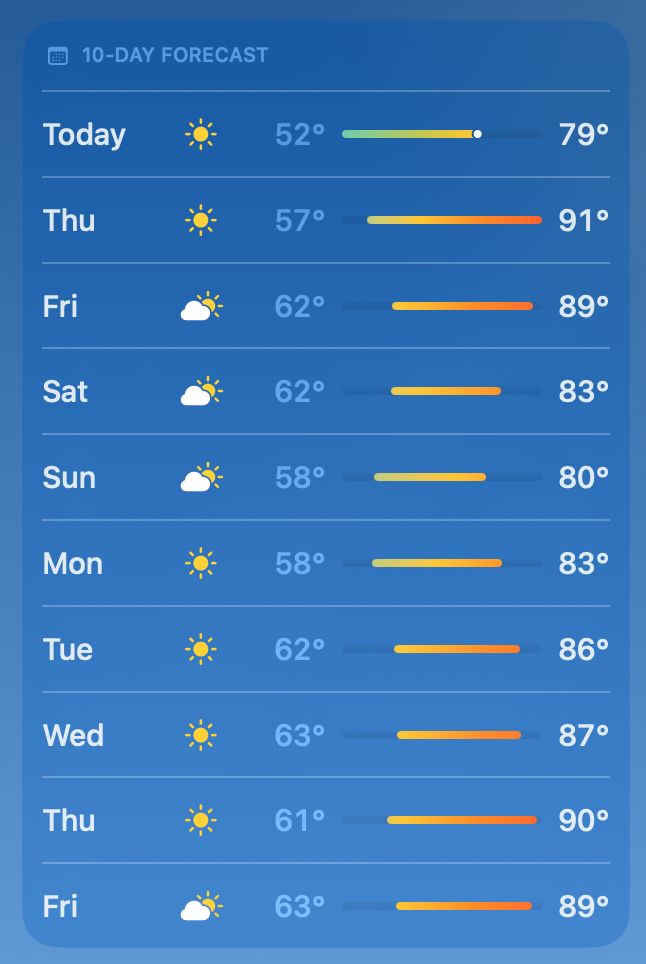
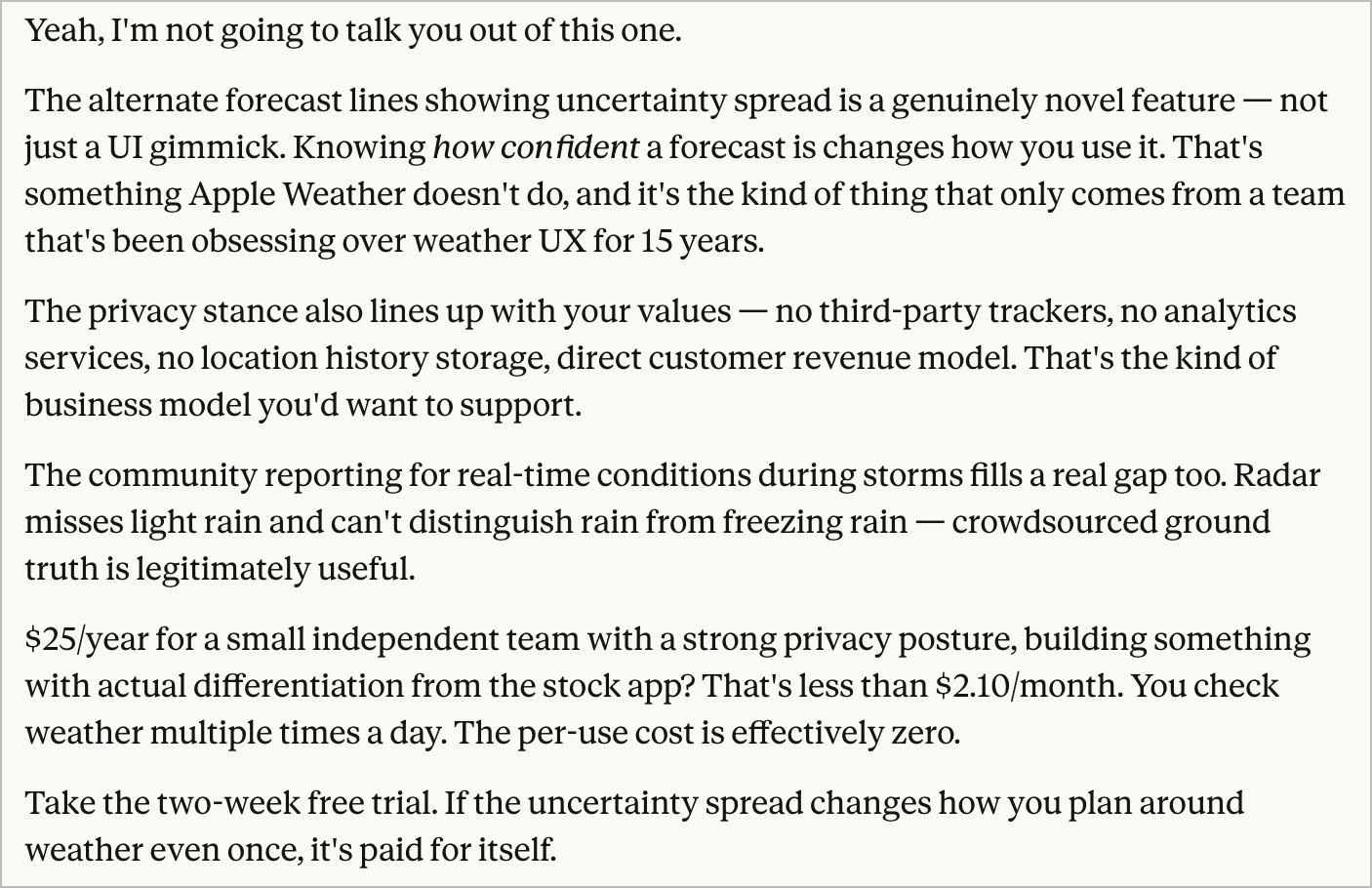
I dunno… $25/year for a weather seems steep to me. And I’ve probably spent at least double that on weather apps for my iPhone as long as I’ve been using one. I asked Claude to talk me out of it, but instead it made me laugh.
Gravity is a really nice app that definitely fills a certain void for me. I use Obsidian for pretty much all text, but I find it a little to slow sometimes for when I just need to jot some things down on a digital scrap piece of paper. Drafts used to serve this purpose for me.
Well, I can cross off making a Google Docs for markdown files from my list of things to build for myself. Matt did it.
With all of the messing around with AI that I’ve been doing, mostly with Claude Code, I’m spending a lot more time in Terminal. Working with a machine and instructing it using natural language is absolutely wild. Over the last few months, the time I spend in in a TUI is upwards of 50% of my time and I absolutely love it. What I’m about to share assumes that you have some familiarity and comfort on the command line and already have Homebrew installed. And, hey, if you don’t, ask your favorite AI for some assistance. These are just a few things that have genuinely enhanced my experience:
- iTerm instead of Terminal
- Oh My Zsh for some handy enhancements to the command line experience
- Powerlevel10k theme for Oh My Zsh
Gabe Perez has an easy-to-follow guide to help and so does Steven Chim. I used them both to get my command line set up. So much of it is subjective. My suggestion is to start simple and minimal.
I was lucky enough to attend XOXO a few times. Cabel’s talk really was one of the best. I was floored to see that he posted a behind-the-scenes backstory that is utterly fantastic.
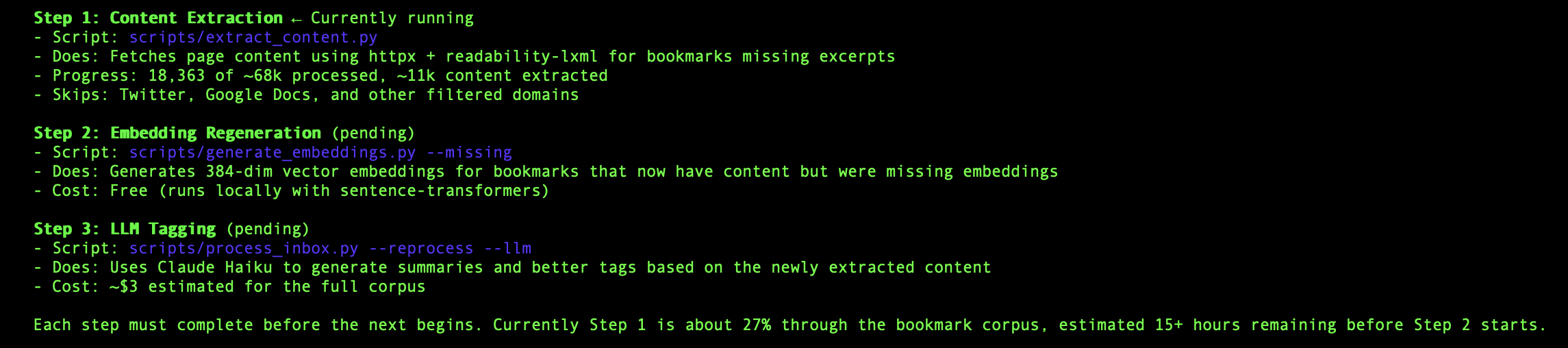
Finally doing something with the ~68,000 bookmarks I’ve been hoarding.